
Build business apps for any purpose in hours, not weeks
Starhive + Next.js starter
This is a demo page that helps you get started with your Next.js app using Starhive platform as a backend.
Follow the onboarding steps to set up your workspace, define your types and auto generate domain classes.
?
Create an Account and Workspace
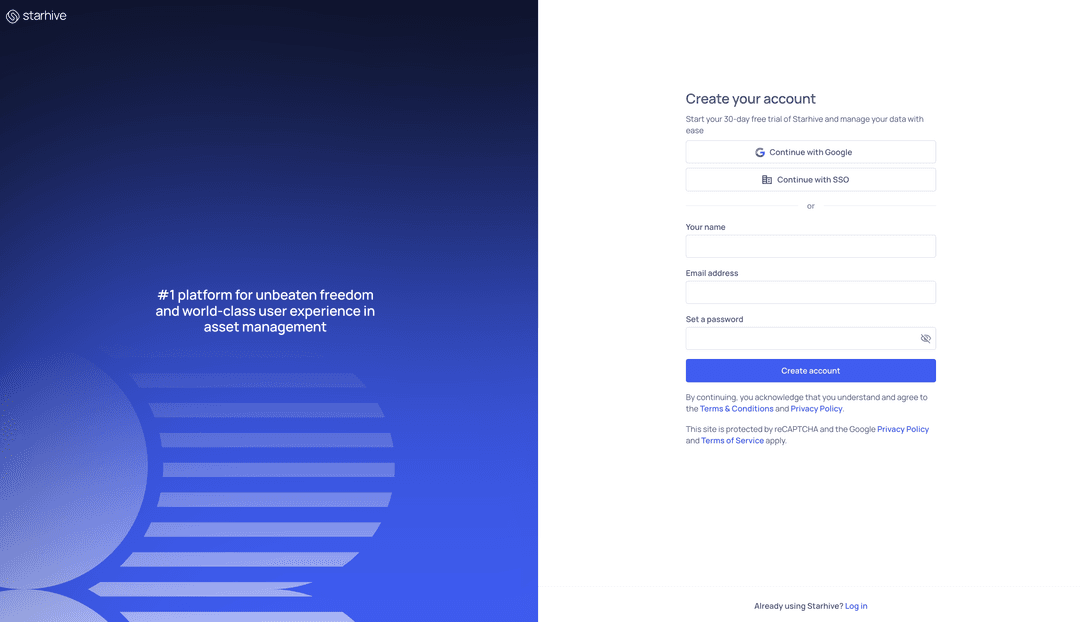
Sign up and create a workspace on Starhive
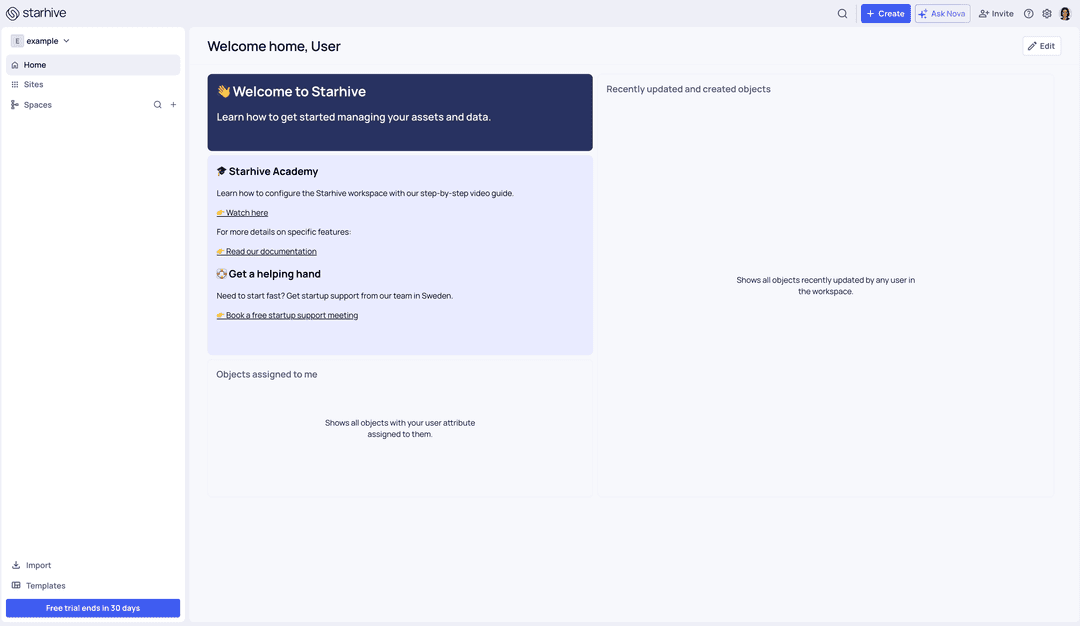
Copy your workspace id from the URL and set it up as an environment variable.
export STARHIVE_WORKSPACE_ID="workspace id"?
Generate API Key
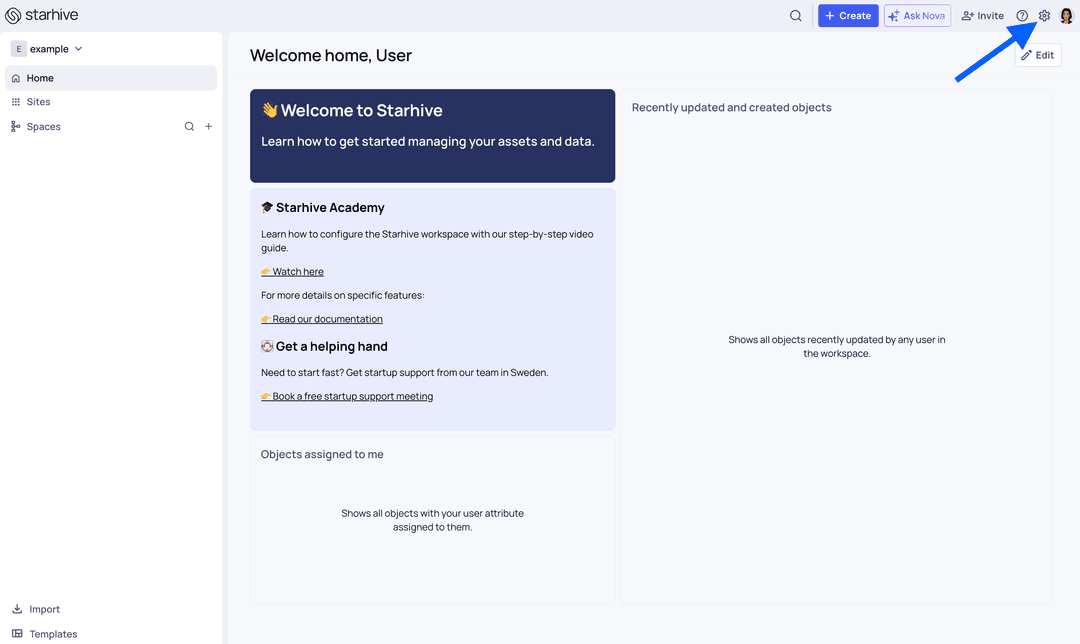
Navigate to the workspace settings page. Select Personal access token tab in the menu and create a new token.
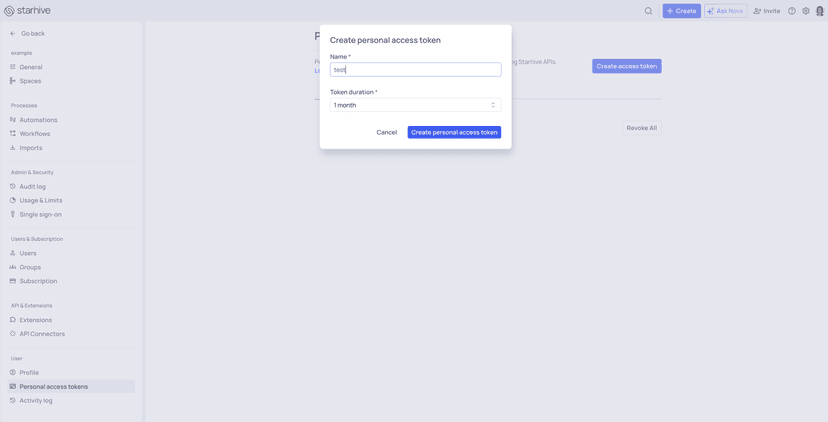
Copy your generated api token. Note that this is the only time you can see the token, after closing the popup it will disappear.
Set up your api token as an environment variable.
export STARHIVE_API_TOKEN="api token"?
Create Spaces and Types
Create some spaces and types for your data model on Starhive
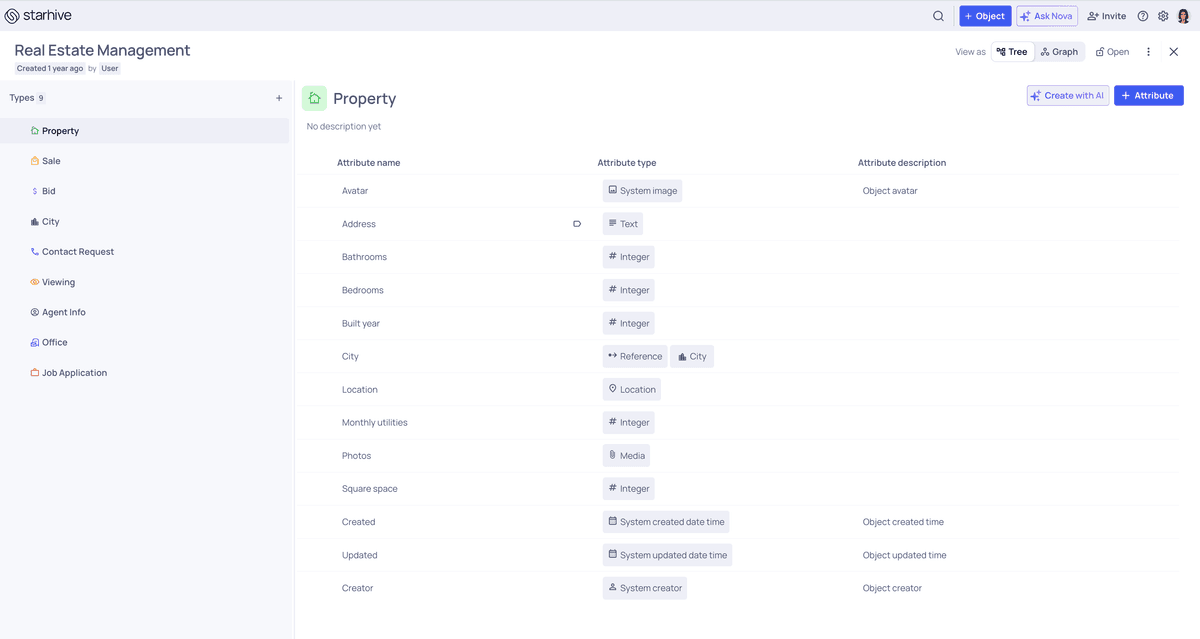
?
Generate TypeScript Schema
Navigate to API Connectors extension. Select your space and TypeScript language. Then press generate button.
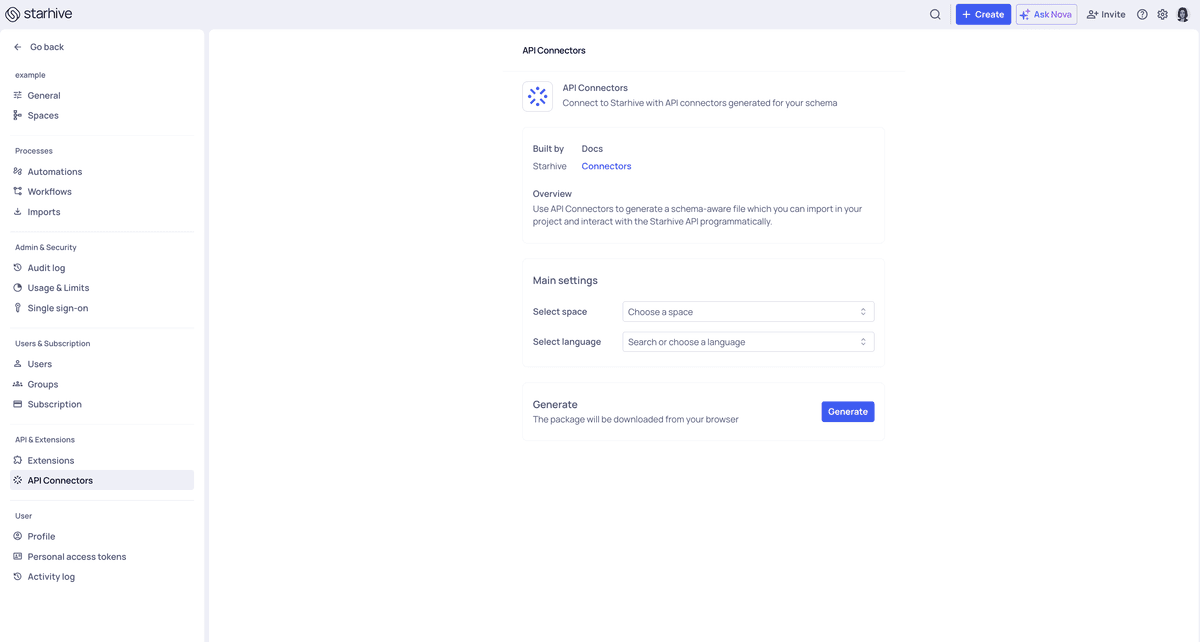
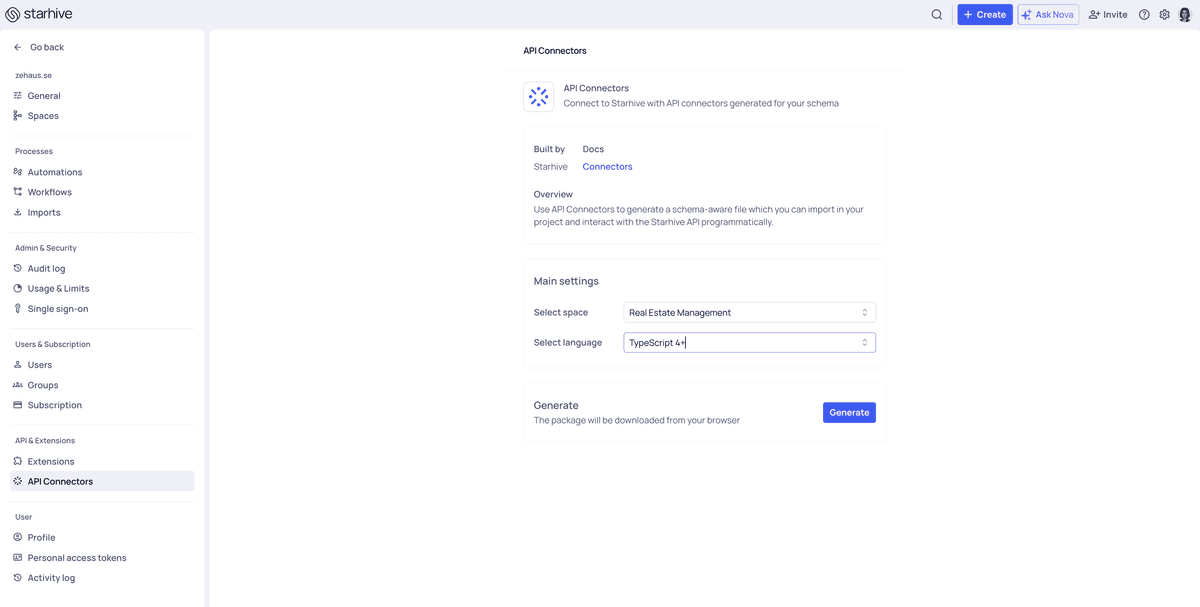
In the generated archive you get a sample typescript project.
Copy files from src/io/starhive/schema of the sample project into app/api/starhive/schemacatalog in this project
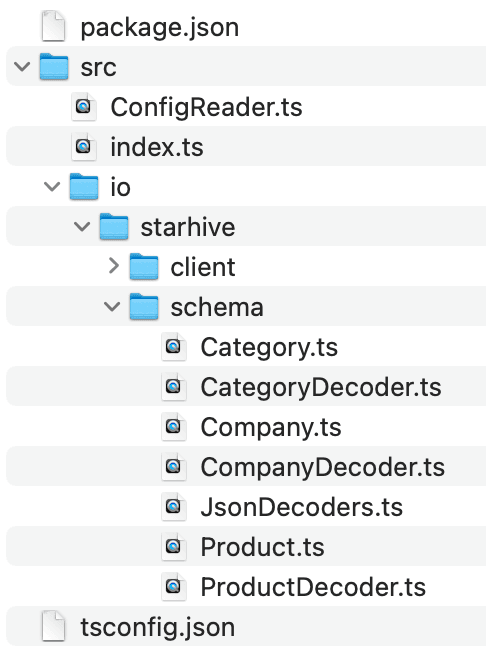
Go to ClientFactory.ts and replace new Map() with JSON_DECODERS constant imported from the schema directory.
This would allow you to use domain types in your code without having to manually map type and attribute ids in your code.
import {JSON_DECODERS} from "@/app/api/starhive/schema/JsonDecoders";

//return new StarhiveClient(starhiveApiToken()!, starhiveWorkspaceId()!, new Map())

return new StarhiveClient(starhiveApiToken()!, starhiveWorkspaceId()!, JSON_DECODERS)
?
Start Building
Start writing your custom code to interact with the API.
Create an object using builder
    const product = await client.createObject(
        Product.builder()
            .name("Potato Chips")
            .inStock(true)
            .price(3.99)
            .build()
    )
Search for objects
    const products: StarhivePage<Product> = await client!.search(Product.TYPE_ID, "");
    products.result.forEach(product => {
        console.log(product.getName(), product.getPrice())
    })
Patch objects
    const toPatch = products.result.map(product => {
        return product
            .toBuilder()
            .price(product.getPrice()! + 10)
            .build()
    });
    await client!.createOrUpdateObjectsInBulk(toPatch)
For more information please refer to the official documentation page